

Prerequisites
Before you begin creating Box Doc Gen Templates, make sure you install the Box Doc Gen Add-in for Microsoft Word. After successfully installing the add-in, it will be available in the menu ribbon within Microsoft Word. Once selected, the Box Doc Gen panel will appear on the right.Creating a Doc Gen template
Follow these steps to create a Box Doc Gen template:- Open an existing Microsoft Word document or create a new document. You can either use the Microsoft Word desktop application or Microsoft Word Online.
- Begin drafting and configuring content as part of your Box Doc Gen template.
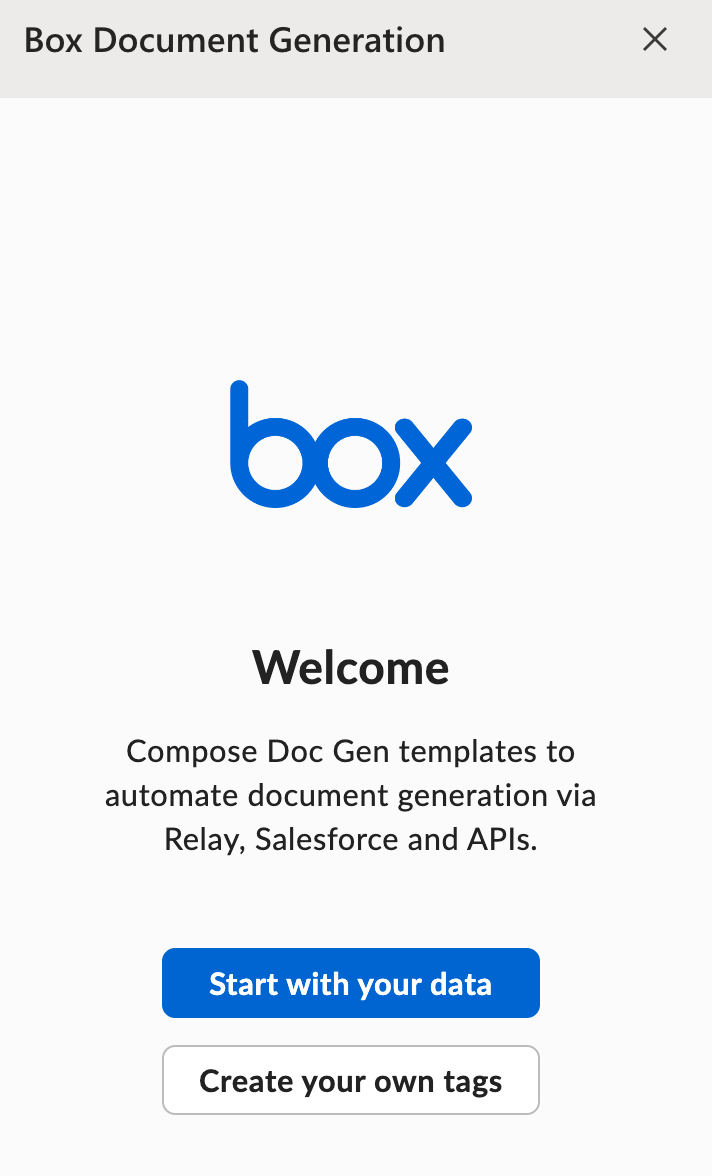
- Once you complete the draft, insert the Box Doc Gen variables using the Box Doc Gen Template Creator add-in. Select Start with your data to use tags extracted from a JSON file.
Creating tags using JSON data
To upload a JSON file:- Click Upload File > Upload.
- Select the JSON file and open it.
- Click Manually Add.
- Paste the JSON schema.
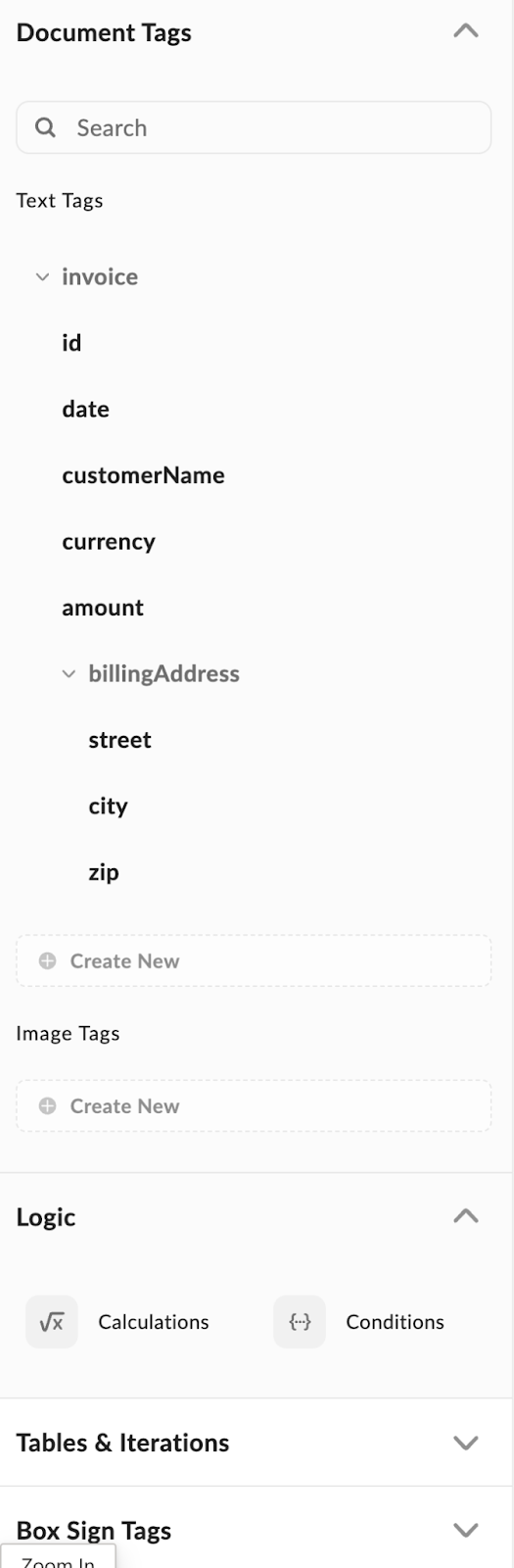
| JSON | Tags |
|---|---|
 |