

-
In the Files section, click New + button in the upper-right corner.
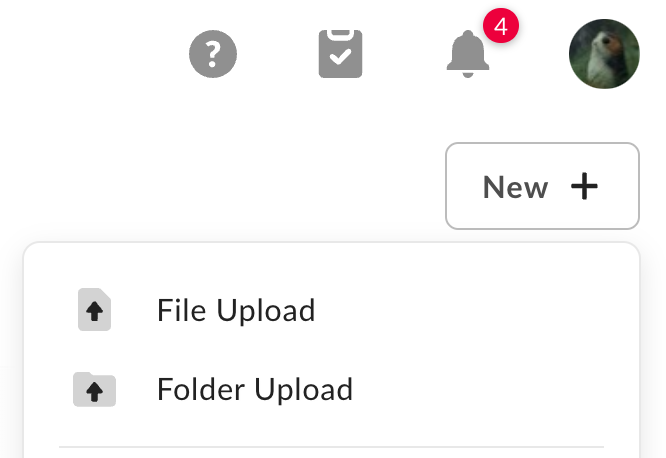
- Select File Upload or Folder Upload, depending on what you’d like to upload.
- Select the file(s) or folder you’d like to upload.
- You can select multiple files for upload by holding the Command or Control key (Mac or Windows, respectively) while selecting files. However, you can only select one folder at a time for upload.
- Click Open or Upload.
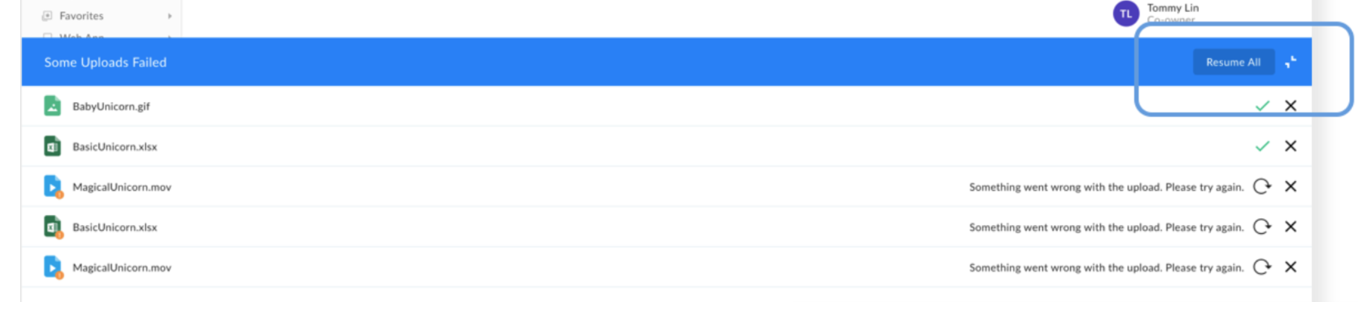
- In the Uploads Manager header click Resume All,
or - In the Uploads Manager click Resume.
If you are having trouble uploading files, here are some possible issues and solutions: