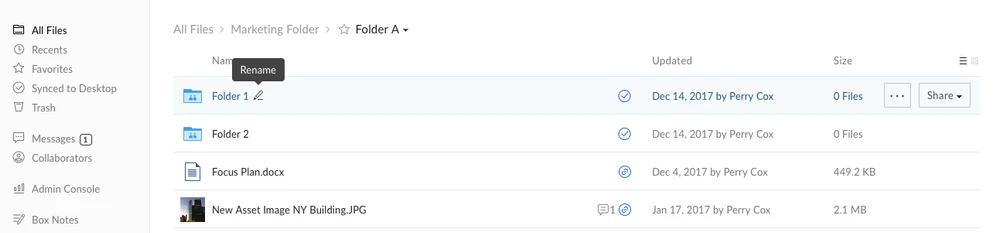
To rename a file or folder, right-click the item (or click the ellipses (…)), then select Rename. This will open up a text box where you can change the file name.
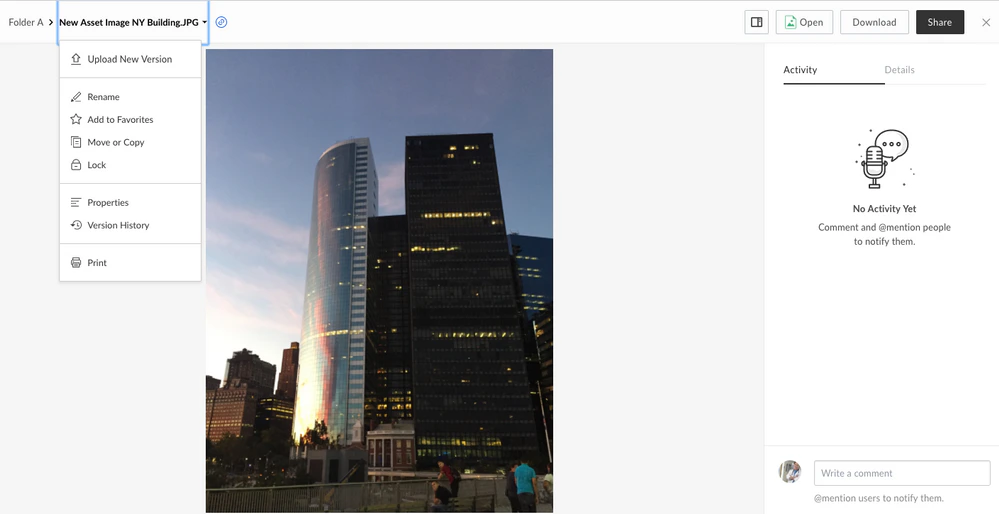
You can also rename a file from the preview screen.
Note: Folder paths have a limit of 255 characters so keep folder and files names as concise as possible to avoid running up against this limit.