

- How can a workflow apply in my situation? How do I know if I even need one at all?
- How can I tell which processes are appropriate for workflows? Where do I start? Where does the process begin in Relay and where does it end?
- How do I build a workflow? How do I translate my needs into corresponding triggers and outcomes?
- Open Relay and go to the Workflows page.
- The lines of business that offer templates display in a top navigation. Brief descriptions of several specific featured workflows display immediately below.
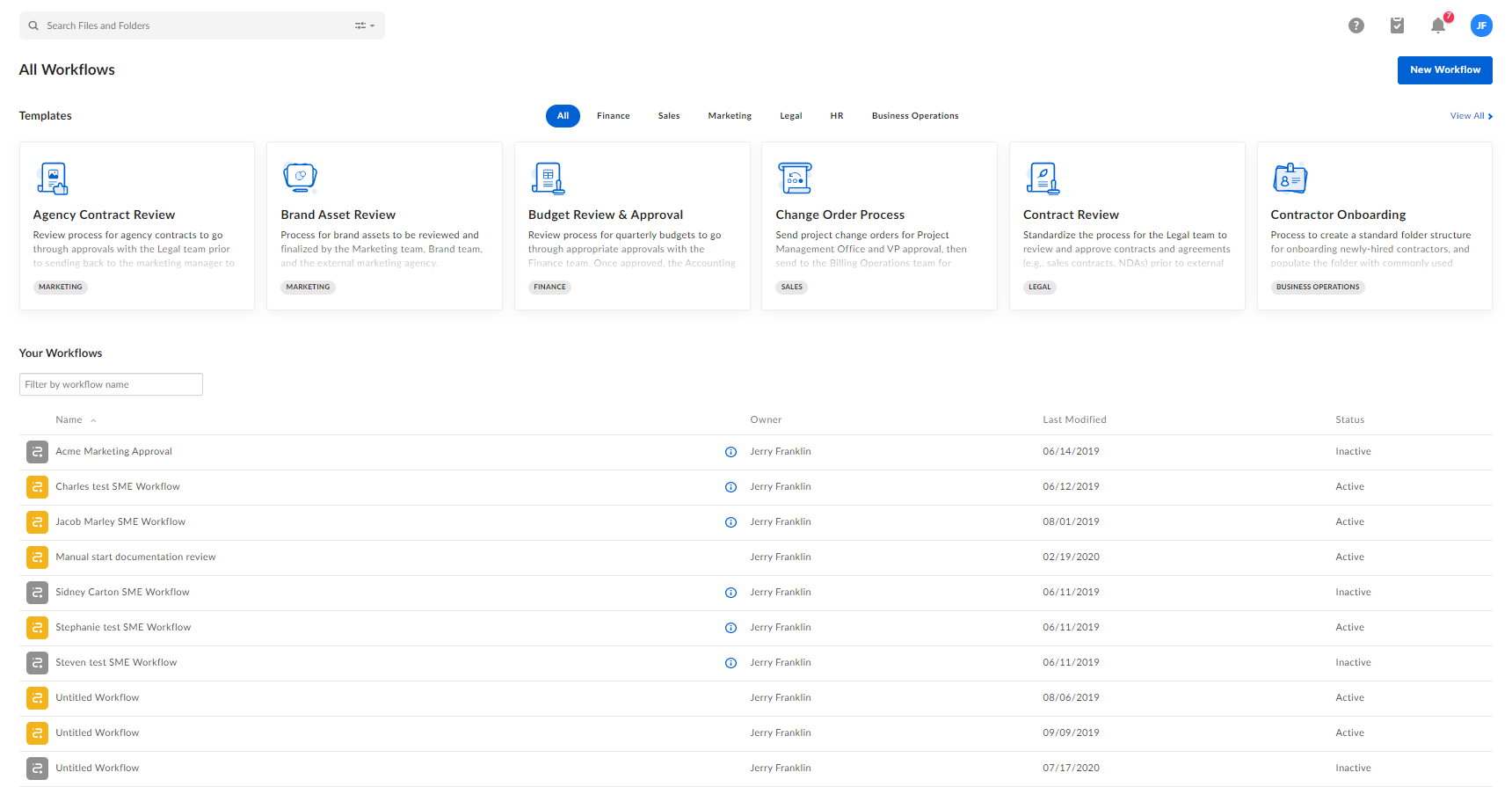
- Click the line of business you want. Box displays the available templates for that line of business. Then click the template you want.
- You can also click one of the featured template descriptions.
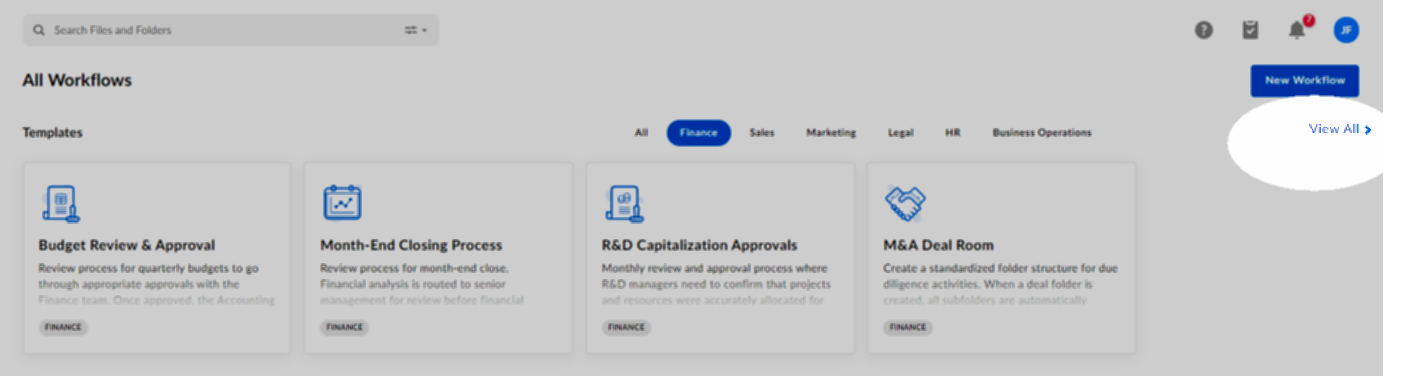
- To see every template that’s available, click View All.
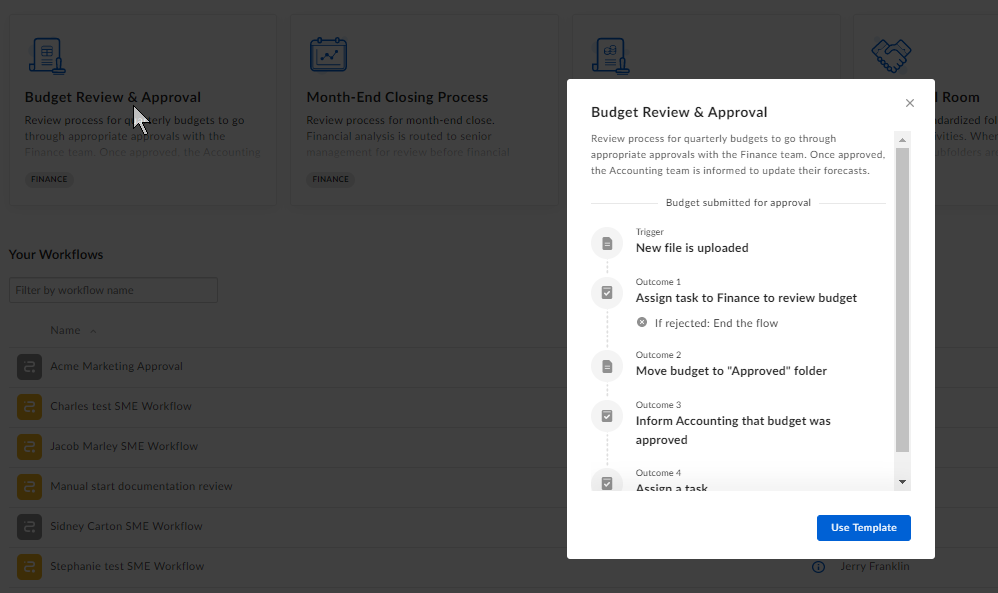
- When you click a template, Box displays a high-level overview of that workflow. Review the workflow, and if you’re satisfied, click Use template. Box opens the builder page displaying each step of the workflow.
- Enter the required information in the steps that are highlighted in purple – for example, task assignees, metadata template, specific file, folder, or collaborator, and so on.
- (Optional) Add or delete additional steps to this workflow as desired.
- Other optional steps include re-naming the workflow, editing its description, and modifying the name of each step.
- When you’re done, click Activate to start the workflow. Or click Save Draft to save the workflow to your Workflows page for later use.