

This feature is available only on Enterprise, Enterprise Plus, and Enterprise Advanced accounts.
Note: Admin PermissionsBecause only admins can configure template publishing permissions in the admin console, only admins can set those permissions for users. If you’re an admin, be sure to enable the correct permissions prior to your users starting a workflow transfer process.For more information on enabling permissions as admin, refer to the Enabling Box Relay for your Organization article.
Note: you can transfer only one workflow at a time to another user.
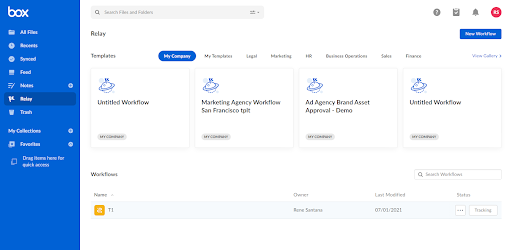
- Open Relay from the Box Navigation menu.
-
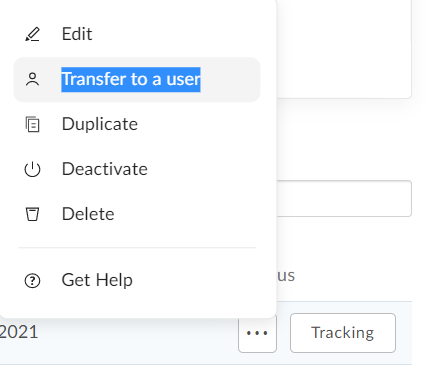
Hover over the workflow you want to transfer. Click the ellipsis and select Transfer to Users.
- Enter the user receiving the Workflow ownership.
-
Review the user information before completing the process. Click Transfer.
- The system alerts you if an email is incorrect or an external user is being added.
