

- Share a file to a Slack channel or a Facebook Workplace group
- Start or join a Zoom meeting
- Sign a file with DocuSign
- Send a file via Gmail or Outlook
- and so on
What web integrations are included, and what makes them “recommended?”
A web integration is eligible to be recommended if:- it is an existing and functional Box Web App integration.
- it is approved by the Box Admin for the organization.
- it meets a minimum relevance threshold for each person and file type.
- you personally use,
- that are most popular in your organization,
- that are most popular for all Box users globally,
- that are most closely associated with the type of file you are previewing.
- Share with Slack
- Send with Gmail
- Join a Zoom conference
- Send to DocuSign
- Send to Outlook
- Send with Facebook Workplace
Installing an approved web integration
If you have not yet installed an approved web integration in your Box account, you can do so, and immediately begin using it, without leaving the Box Preview UI. You do not need to navigate away from your document and install the web integration from Box Integrations. To install a recommended web integration, when you preview a Box file, in the Recommended Web Integrations sidebar, click the icon of the integration you want to install. Then follow the prompts.Using Recommended Web Integrations
Using a recommended web integrations is simple and straightforward. To use a recommended web integration- Click on a file in Box to preview it.
- In a vertical sidebar, Recommended Web Integrations displays shortcuts to web integrations relevant to what you may be trying to do.
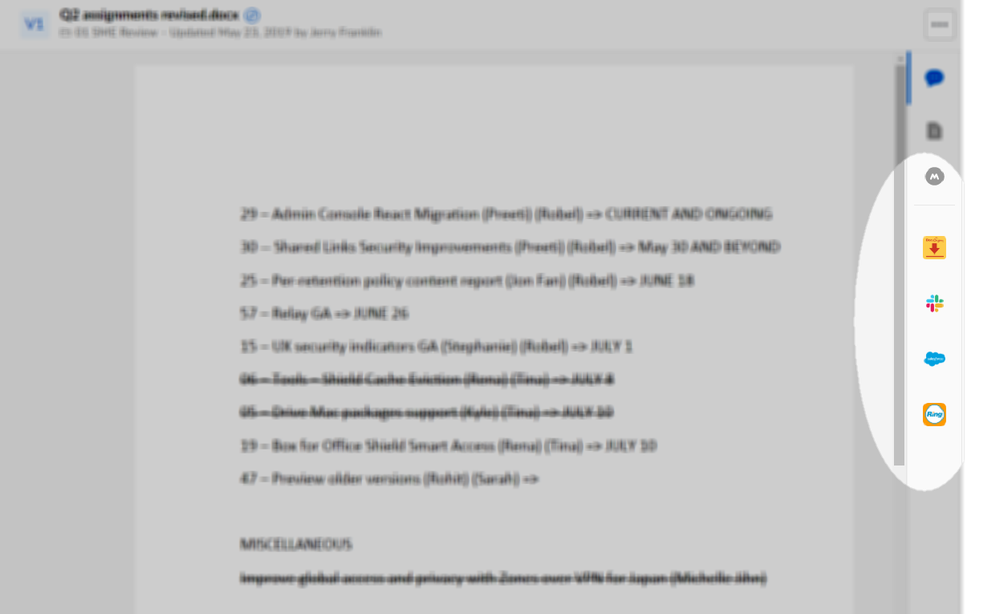
- Click the icon of the web integration you want. Box displays a dialog box that prompts you to confirm what you wish to do in that web integration. Click OK.
- Another window opens. From here you can perform your desired action.