

Reviewing your tasks
When you receive a new task, Box displays an alert message next to the Task Center’s clipboard icon.The clipboard icon displays how many unfinished tasks are assigned to you. When you reload the page or click the clipboard icon, Box refreshes this number.

- In the top-right corner of your Box account window, click the clipboard icon. Box displays the Task Center window.
- Hover in the Task Center window and mouse scroll.
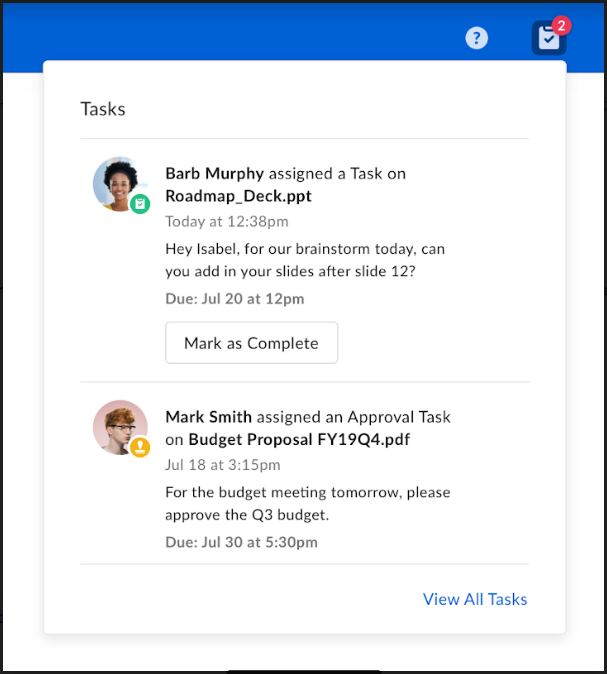
- In the top-right corner of your Box account window, click the clipboard icon. Box displays the Task Center window.
- In the Task Center window, click on a task notification. Box opens the file belonging to the task.
- In the Preview Activity sidebar, hover on the task you want to resolve, and click one of the following:
- Mark as Complete
- Approve
- Reject