

This article is about Box Shuttle in the Admin Console. If you’re using legacy Box Shuttle, a standalone tool, see legacy migration guides.
- auditing what source content went to what location,
- identifying the content to migrate and planning the strategy of working with users,
- checking errors in the migration process to identify what went wrong.
Reports and jobs
Reports created for specific job types have different purposes.| Job type | Analyzed data | Report purpose | Guides |
| Analysis | Source | Reports for the analysis job cover the source data before the migration. It is helpful to come up with the migration strategy. | Data analysis |
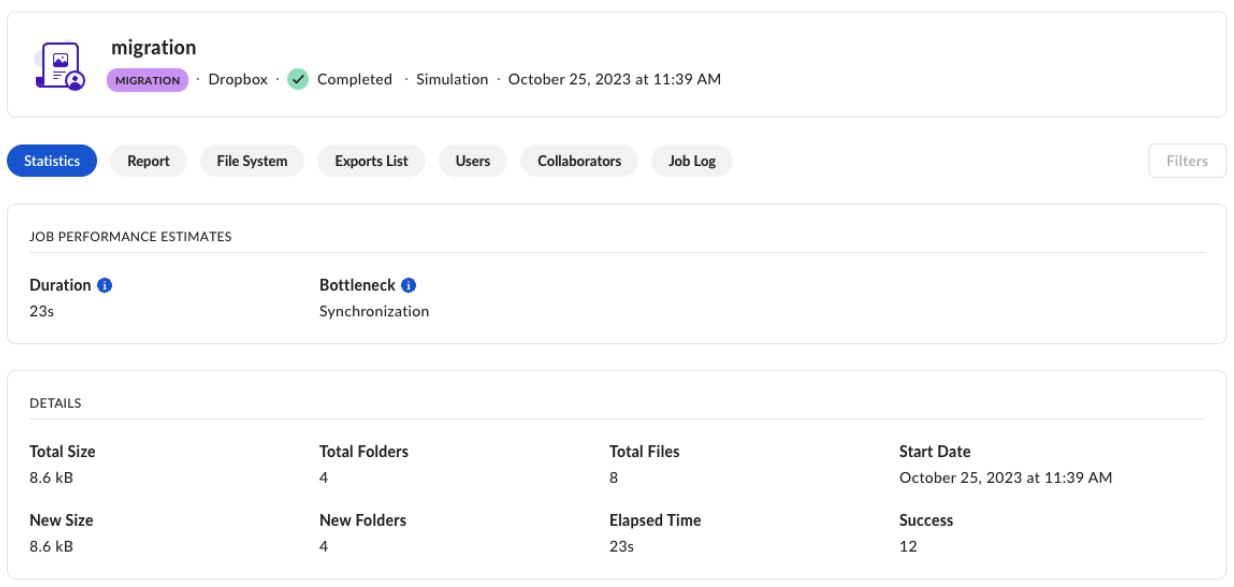
| Simulation | Source and target | Reports for simulation show a simulated data transfer, meaning actual data was not transferred. You can use them before migration happens to see if it goes smoothly. Reports will help you to assess the job. | Data-only migration Data migration with permissions |
| Transfer | Source and target | The reports show what happened in the job run. They cover migration errors as well as show how much data was moved and how long it took. | Data-only migration Data migration with permissions |
Note: Box retains raw job data in Shuttle for 90 days after job completion. For details, see Job Report Archive.