

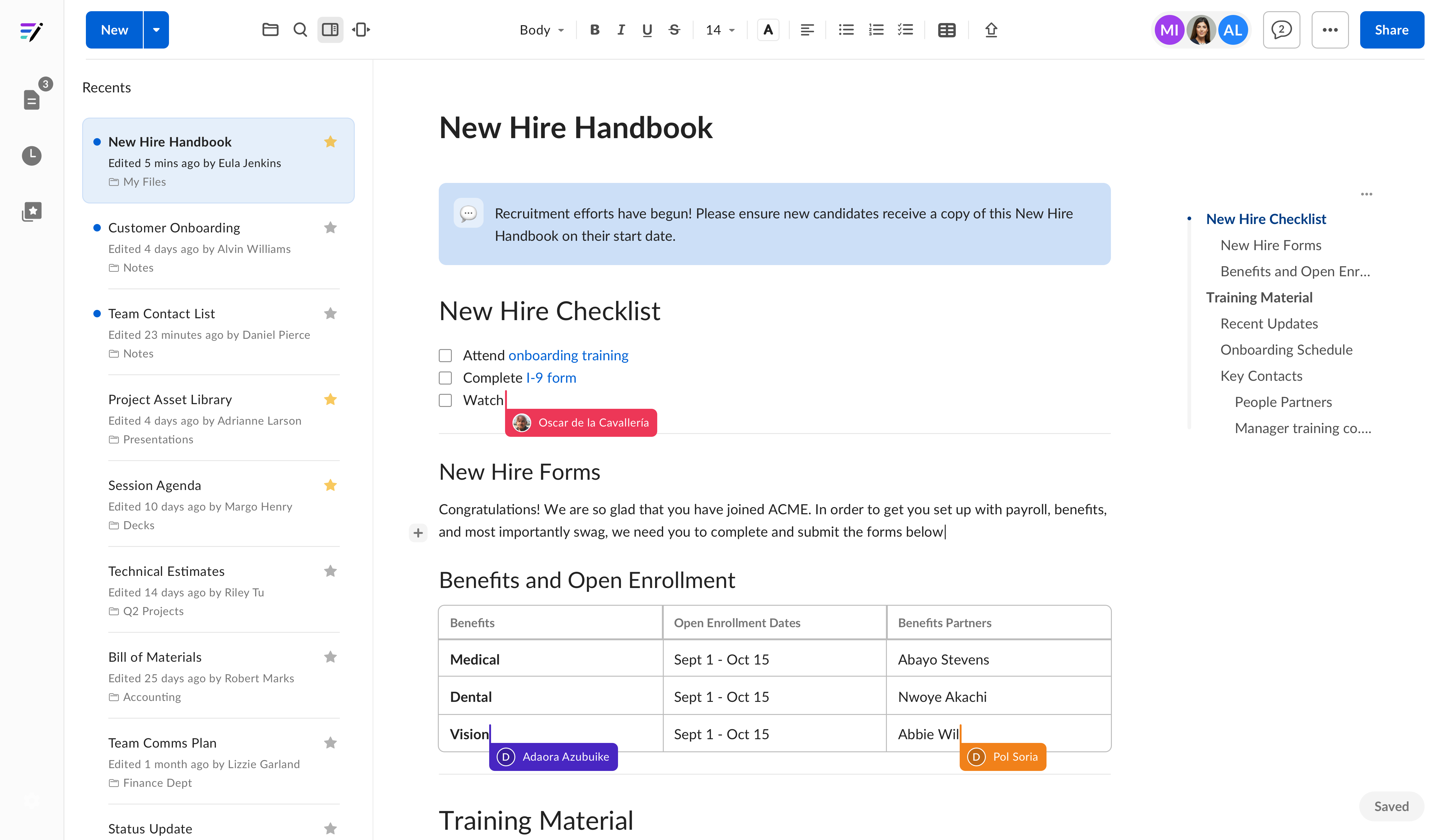
Navigation and organization
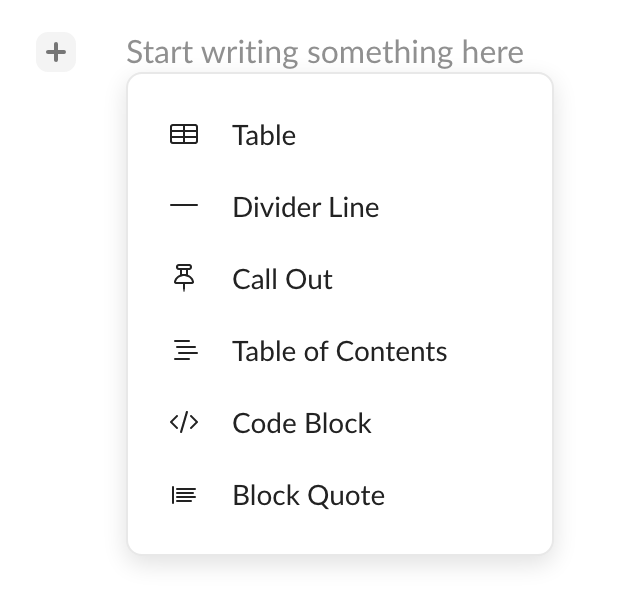
In addition to all the helpful features you see, you can insert additional content such as tables, call out boxes, and code blocks from the inline menu. Click the + symbol on the left of the text editor to open the menu select which content block you want to add.
Get started quickly with Box Notes
- Create new notes quickly to capture ideas and discussions in real-time
- Format text easily for simple and powerful collaboration
- Add hyperlinks, images, and tables to bring your notes to life
- Use Templates in Box Notes to make recurring work simple
- 4 Ways to Use a Box Note - Video