

- Navigate to the folder where you’d like to create the new Box Note.
- Tap the + icon from the action menu at the bottom of the screen.
- Tap New Box Note.
- Name your Box Note, then tap Create. The note will open automatically.
- Tap the Edit icon in the bottom-right to begin typing in your new Box Note.
- Use the toolbar at the top of the screen to format text. Apply changes to existing text by highlighting it before selecting a formatting option.
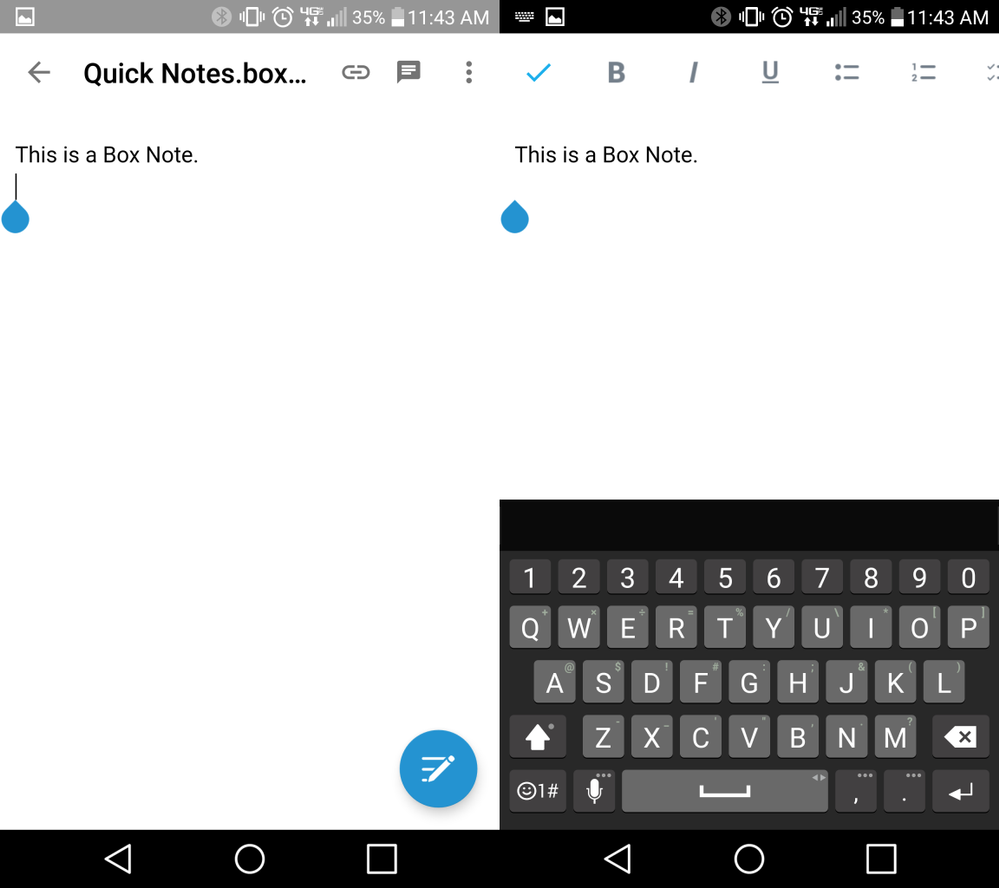
- Tap the Check Mark in the upper-left once you are done typing to dismiss the keyboard.
- You can leave comments on Box Notes by tapping the Comment icon in the upper-right corner.