

- Navigate to the folder where you’d like to create the new Box Note.
- Tap the + icon in the top right corner.
- Tap Create New Box Note. A new note will load immediately.
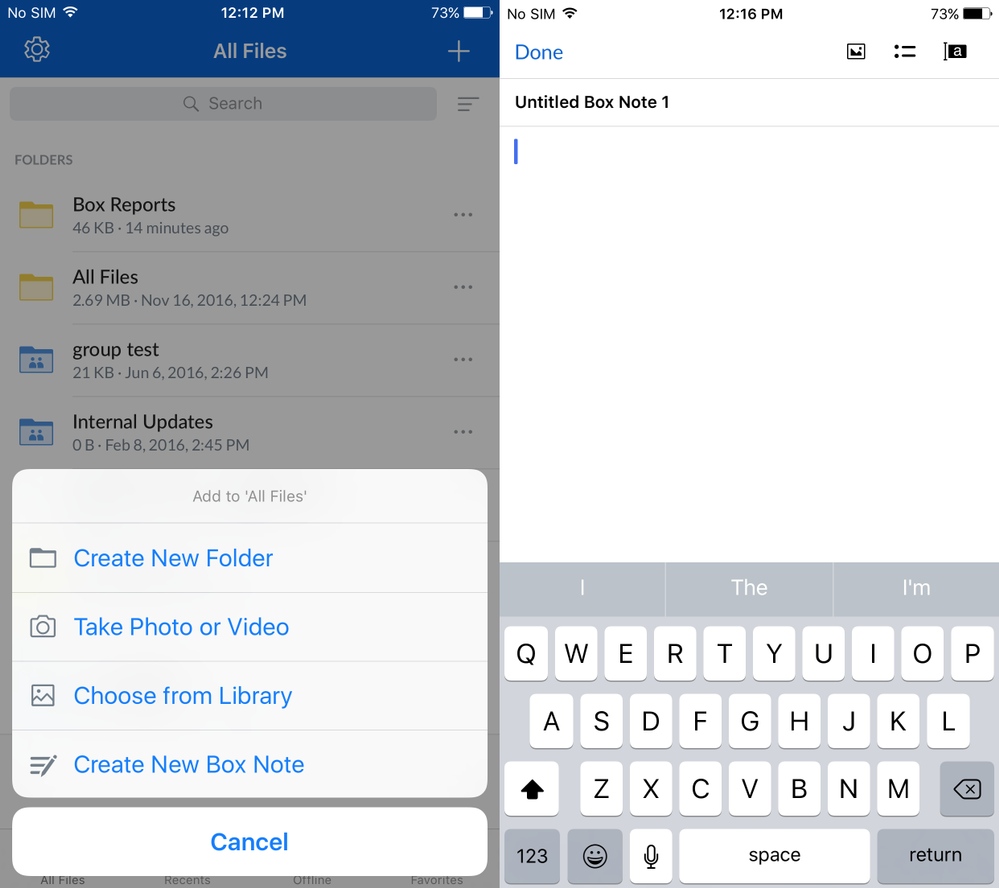
- Tap the title to edit and assign a new title for this note.
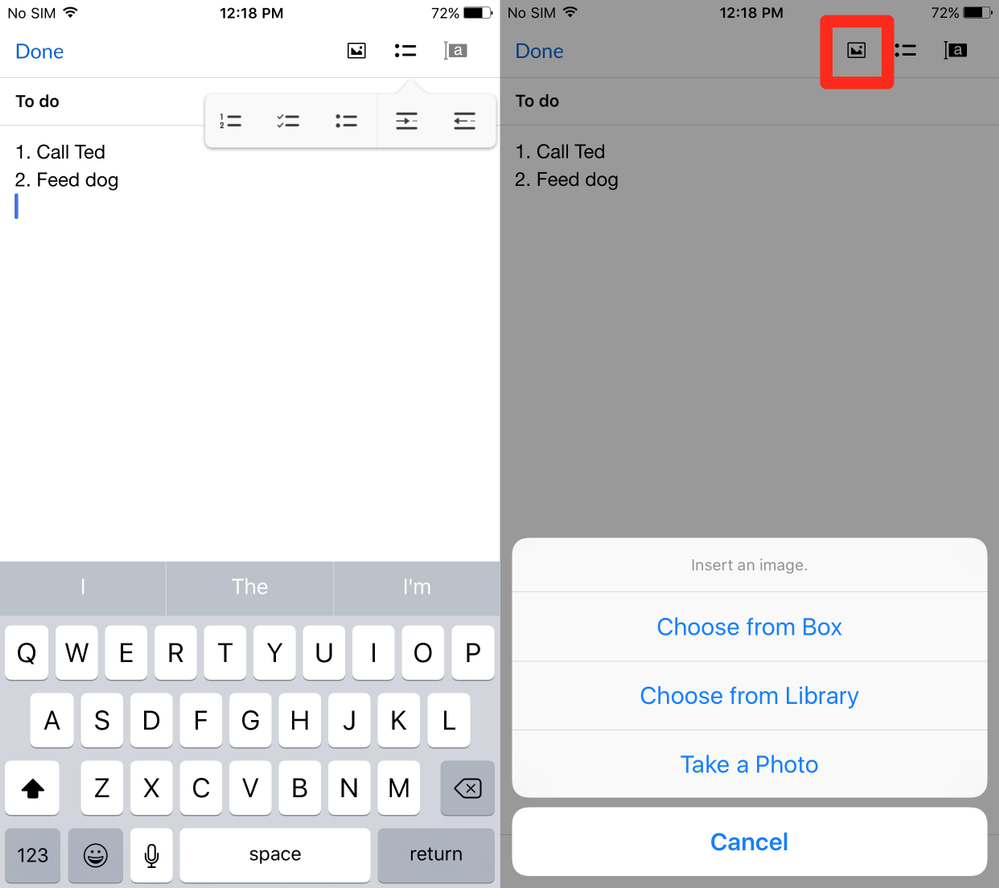
- Start typing in your new Box Note. You can add annotations to your Box Note by higlighting text and tapping the Annotate icon in the bottom menu. Tap highlighted text to view annotations left by collaborators.
- Tap Done to dismiss the keyboard.
 in the toolbar at the bottom of your device to generate a shared link to the Box Note. Only collaborators with access levels of Editor or Co-owner can make changes to Box Notes. All other collaborators will only have view access. You can choose to send the shared link directly to collaborators via Email or Messages, or copy the link to the clipboard and paste it later.