Support Information
Box Notes is supported on the following browsers and versions:- iOS Safari and Chrome
- Android Chrome
- You can open and view existing Box Notes on mobile browsers.
- Box for Android: Box Notes is supported on Android KitKat 4.4 and higher.
Reporting Behavior
Box Notes are included in Admin Console Reports.- Creating a new Box Note is recorded as Created or Uploaded.
- Viewing a Box Note may be recorded with File Opened and may sometimes be accompanied by a Download.
- Edits (and annotations) made to a Box Note are recorded as Uploaded. For edits (Uploaded), the user recorded for the upload is made every 30 seconds; see the Version Behavior section below for details.
- Deletes of Box Notes are recorded normally as action Trash.
Version Behavior
Box Notes creates a new version of each note in Box every 30 seconds, and lists the author as the person who made the most recent edit. Thus, if two people are making edits simultaneously in a note, the person who made the last edit will be recorded as uploading that version. Box provides a complete log of activities in Box Notes upon a request to your Customer Success Manager (CSM) or to box-notes-log-request@ box.comKnown Limitations
- Maximum number of people editing a note at the same time: 30
- Once the limit is reached, any new users will see a snapshot/read only view of the note
- Recommended maximum content:
- 200 pages of text (about 500,000 characters)
- 100 items in a list
- Images up to 20 MB
- If these limits are exceeded, the product may act unexpectedly, including lag while typing or browser tab crashes.
- Shared links to Box Notes that have the “Require Password” option set or that are in folders that have the “Require Password” option set are not supported at this time. In this case, the Box Note will not load.
- Box Notes cannot be used in folders that have the Hide Collaborators security property set.
- If an admin has the “Restrict content creation” enterprise setting turned on, the new Box Note button will be disabled because Box Notes creates new notes inside a folder at the first-level.
- Table object is not editable in Box for Android.
- In Full Width Mode, tables will always be full width. To narrow the table, you must narrow the first column.
- Copying images from third-party sites to a Box Note is note supported.
FAQ
Can you change the location of where newly-created notes are stored?
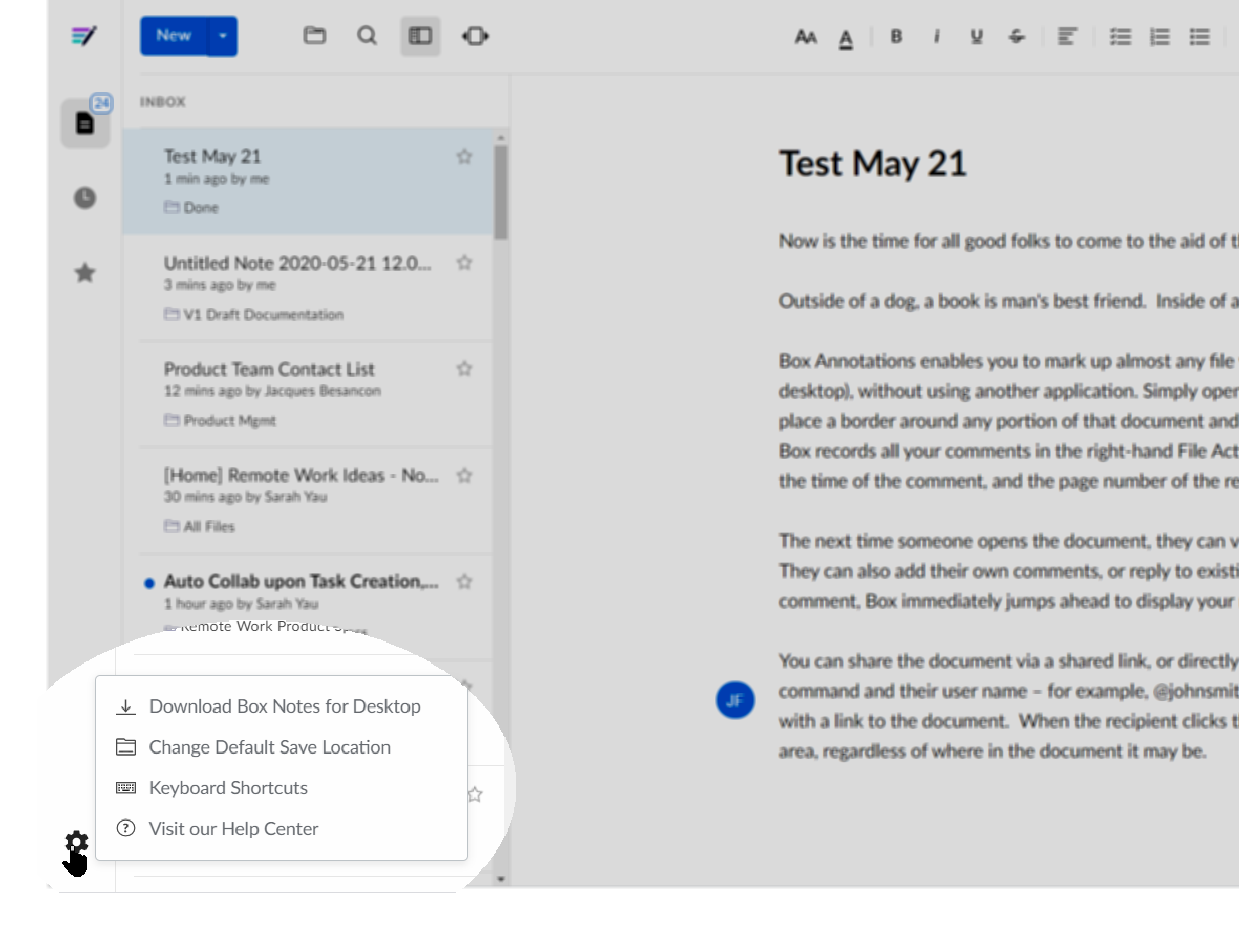
Yes, you can change the default save location for new Notes. To do this, open any existing Box Note. In the lefthand navigation, at the bottom, click the gear icon. From the menu that displays, click Change Default Save Location.