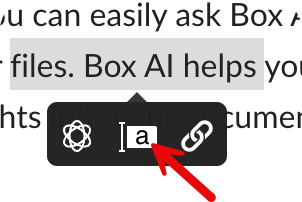
- Select to highlight the text you want to annotate.
- Click the annotation icon.
- Enter your feedback.
- Click Post.
- Hover over the existing annotation
- Click Reply.
- In the top right, click the Comment icon to open the Comments sidebar.
- Enter your comment
- Click Post.
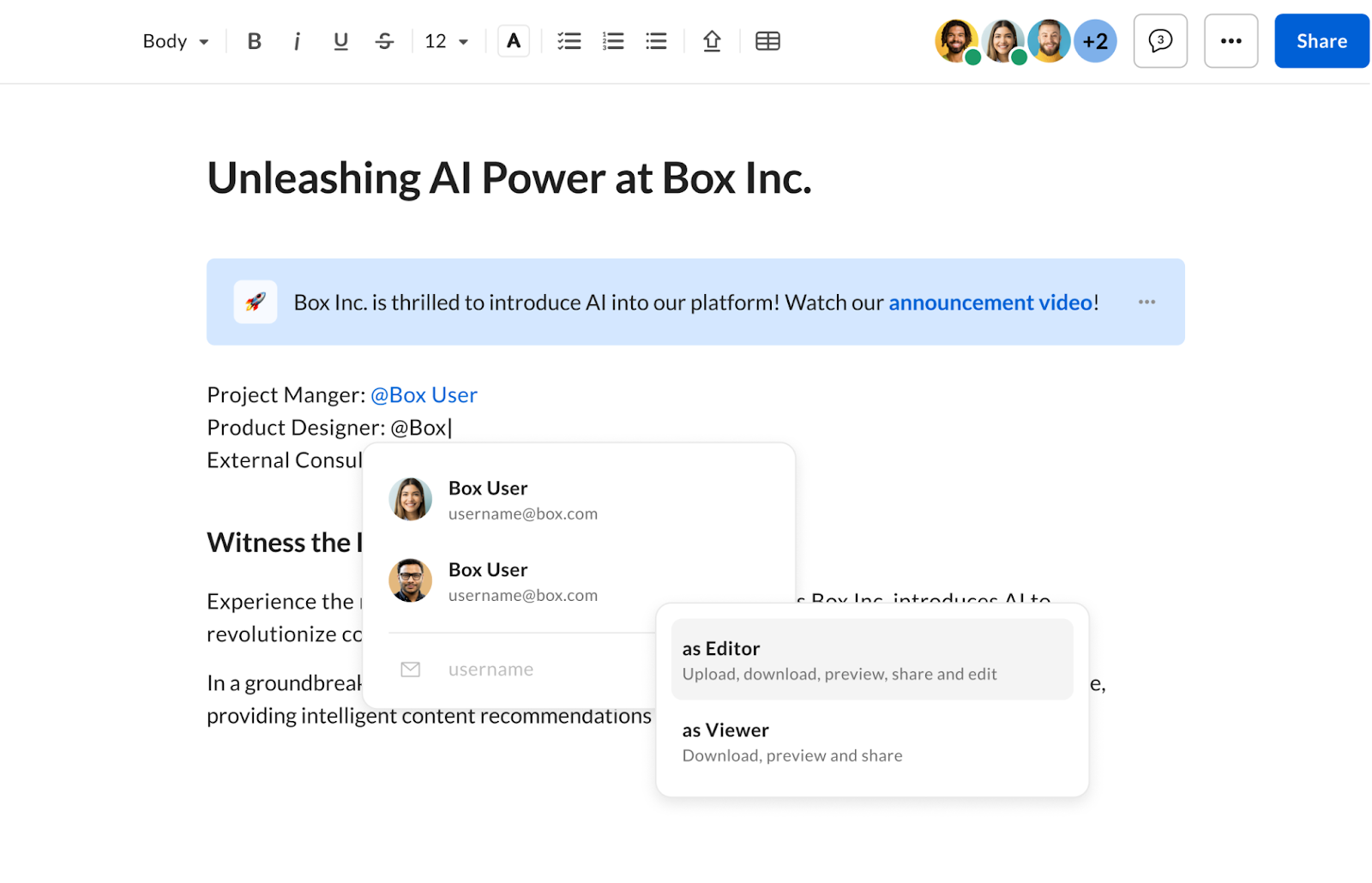
- Type the @ symbol, followed by the name or email of the people you want to tag.
- Depending if the user is internal or external, you can:
a. Invite
b. Share a link - Select permission level
a. Editor
b. Viewer
Once selected, the user you added will have access to the Box note and be sent an email notification, depending on that user’s permission settings.”