

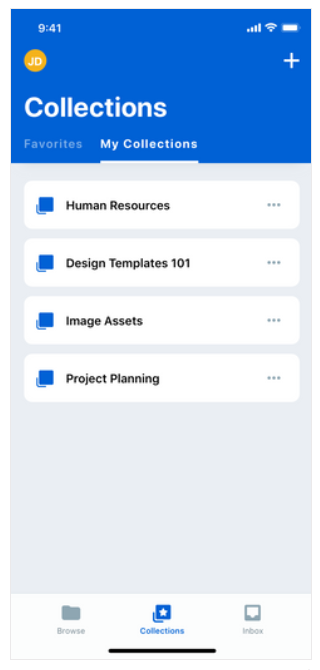
- intuitively organize your Box content into logical groupings of your choice,
- name these groupings to provide clear and meaningful context, and
- quickly find the content you need right now.
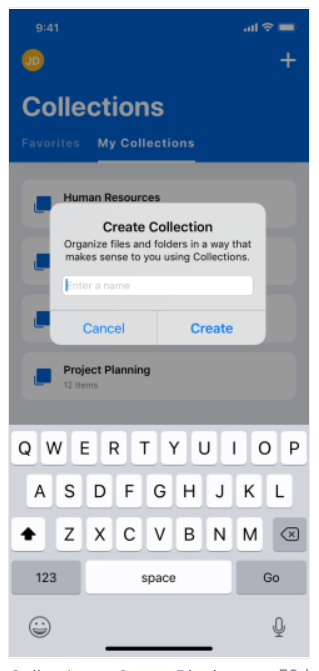
- In the top of the screen, tap +. Box displays the Create a Collection window.
- In the text field type the name of the collection.
- Tap Create.
- After you add files and folders to a collection, the name of the collection appears next to the names of these files and folders throughout your Box account.
- Your Favorites category is now a collection.
- Tap the item you want to add. Box displays the preview screen.
- In the bottom menu of the preview screen, tap Collections.
- Tap the name of the collection to which you want to add the file.