

- @mentions,
- collaboration invitations,
- shared link announcements,
- file annotations,
- task reminders, and
- updates on collaborator activities.
Note
-
Support on Android is coming soon for
- task notifications,
- accepting invitations to enroll in two-factor authentication (2FA),
- accepting Terms of Service, and
- accepting invitations to set a strong password.
- The Notification Center does not provide expiration notifications, but Box does send these notifications to you through email.
- The Notification Center does not support filtering of notifications.
Reviewing your notifications
When you receive a notification, Box displays a badge next to the Notification Center in your Inbox showing how many unread notifications you have.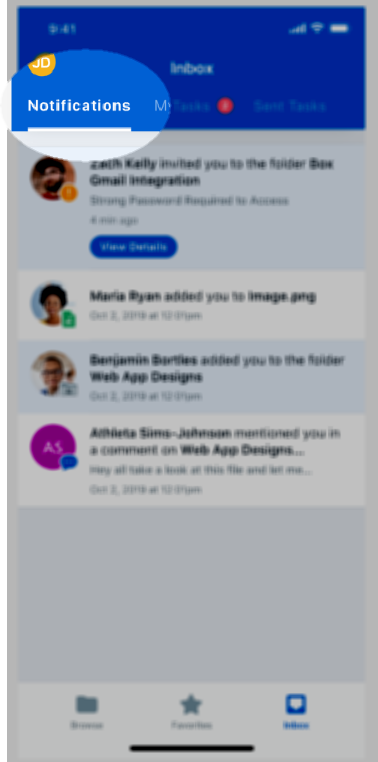
- In the footer bar, tap Inbox.
- In the top of the Inbox window, a badge next to Notifications displays how many unread notifications you have. Tap Notifications.
- Box displays the list of your notifications. Unread notifications have a blue background, and read notifications have a white background.
- In the footer bar, tap Inbox.
- At the top of the Inbox window, tap Notifications.
- Below the invitation, tap View Details.
- In the invitation, tap Accept, or tap Decline.