

Enabling Box AI for specific users has the following limitations:
- You can enter up to 100 names/email addresses and up to 100 groups. If you want to enable or disable more, you have to enable or disable Box AI for the entire organization.
- You can only select groups that have Permission Setting set to Admins Only. For details, see Creating and managing groups.
Addendum Message
If you are using your first Box AI feature, when opening the Edit Configuration menu, you will need to review and accept the Box AI Product Addendum before enabling Box AI for your organization: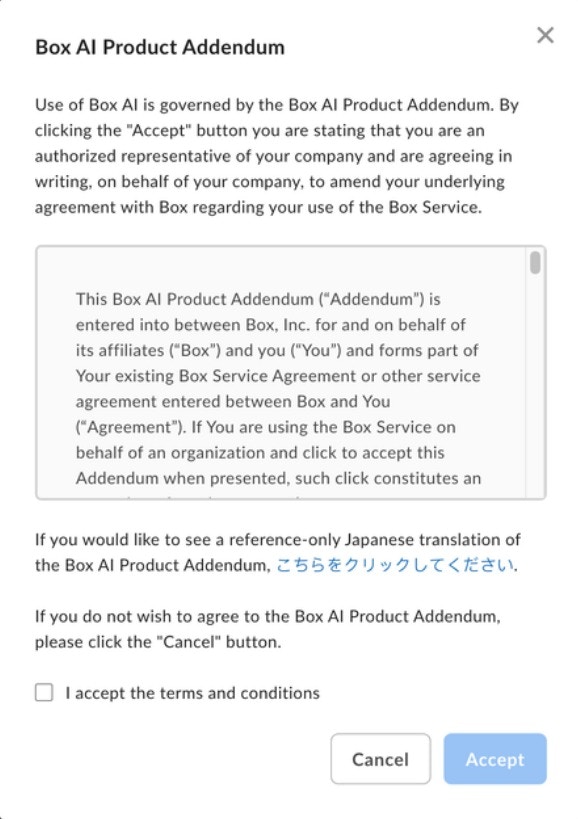
Review Agreement Offline Message
If, when navigating to the Box AI tab, the Review Agreement Offline message appears, contact your Box Account Team or click on the link in the message to request Box AI access: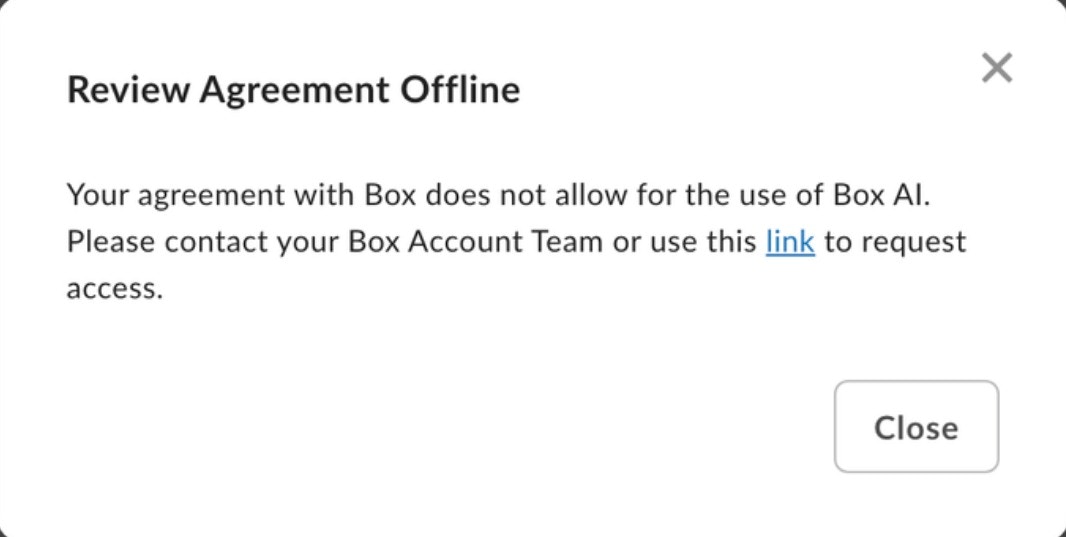
User Permissions
The Box AI Admin Console permissions allow admins to set permissions for both users and groups.Note:The User and Permissions section and information has been moved to
Configuring Box AI.