

- Managed Users section of the admin console, including searching for Name, Email, and User ID
- External Users section of the admin console, including searching for Name, Email, and User ID
- Groups section of the admin console
- Enterprise Settings section of the admin console
- Help topics publicly available at https://support.box.com/hc/en-us
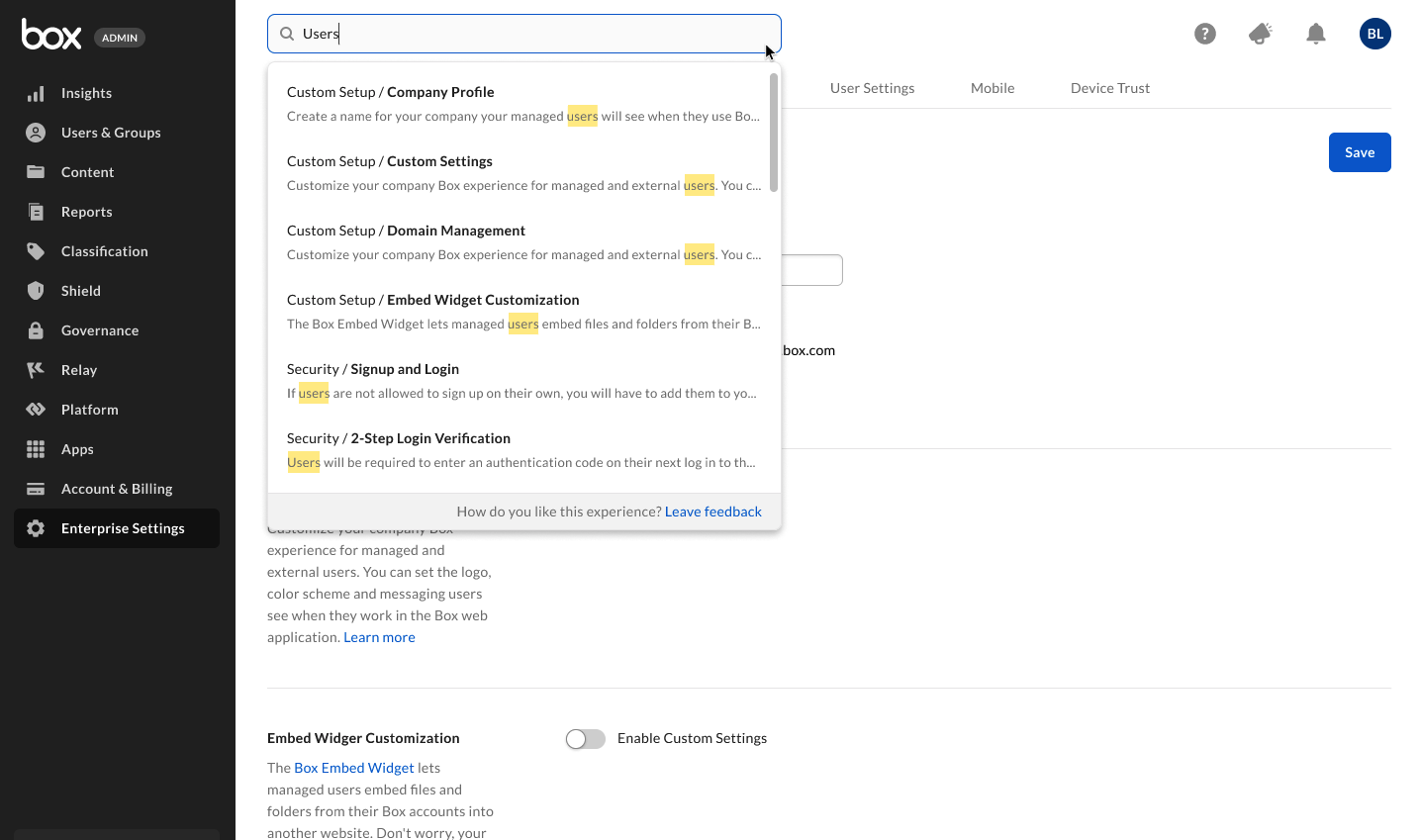
- In the top of the admin console’s window, click in the search field. Box displays the search drop-down window.
- In the search field, type the keyword you want to find. For English, type at least three characters; for Japanese, type at least two. As you type, Box displays highlighted results, sorted by category.
- To display a specific result, click the result.
- In the top of the admin console’s window, click in the search field. Box displays the search drop-down window.
- In the search drop-down window, under SEARCH IN, click the category whose contents you want to search. When you select a category to search, Box displays its label in the search field. To remove a category from your search, in the category’s label click X.
- In the search field, type the keyword you want to find. For English, type at least three characters; for Japanese, type at least two. As you type, Box displays highlighted results.
- To display a specific result, click the result.
- In the top of the admin console’s window, click in the search field. Box displays the search drop-down window.
- In the search drop-down window, under RECENT SEARCHES, click a keyword or string.