

Access Notifications tab
To access the Notifications tab:- Go to Admin Console > Enterprise Settings.
-
Click the Notifications tab.
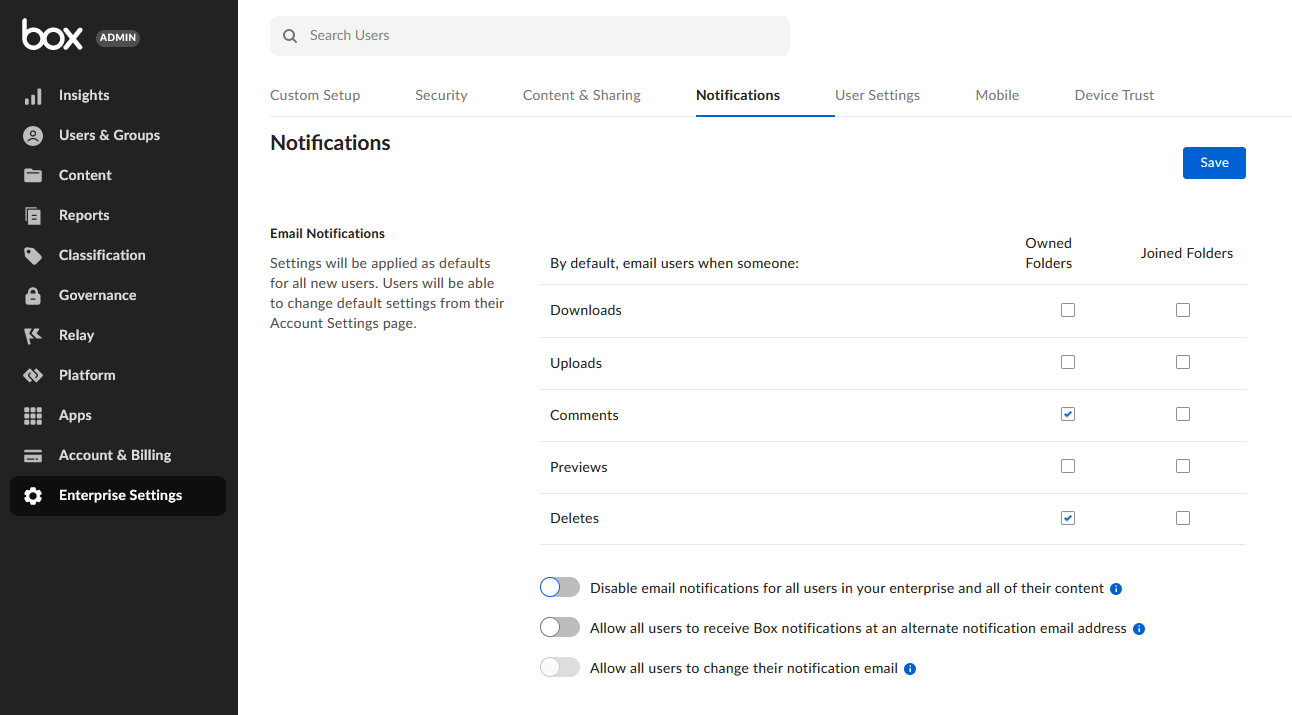
- You can see several options to manage your notification settings.
Manage Notifications settings
Email Notifications
A set of general notification settings that you can define for new users. You can decide if the users will receive notifications about the activity in their owned folders and the ones they joined.If you clear a box, neither managed users nor anyone who collaborates on the users’ content will receive that notification, nor will it display in their daily digest. However, direct emails such as tasks and invitations will continue to be sent.
Email Test
This feature allows you to send a test email to verify if the notifications are sent successfully.Suppression List Management
The suppression list includes all email addresses that bounced, were marked as spam, or are no longer used for subscription purposes. You can remove up to 10 emails per day, one at a time. To remove a user:- Start typing the user’s email address or username.
- Click the relevant username/email that is displayed.
- If the user is not receiving Box email notifications, click Remove from list to remove the user from the suppression list.