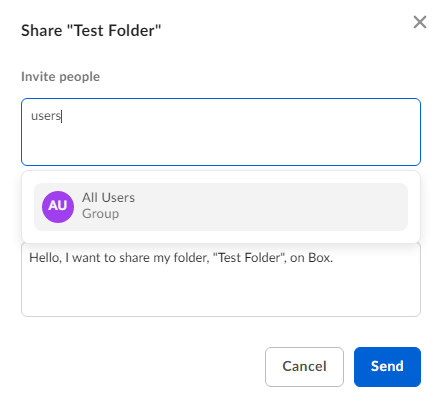
- Hover on the folder you want to share, click Share. You can also right-click and select Share.
- In the Invite people field, type the group name and see the auto-complete group list.
- Select the group.
- Click Send.
Prerequisites
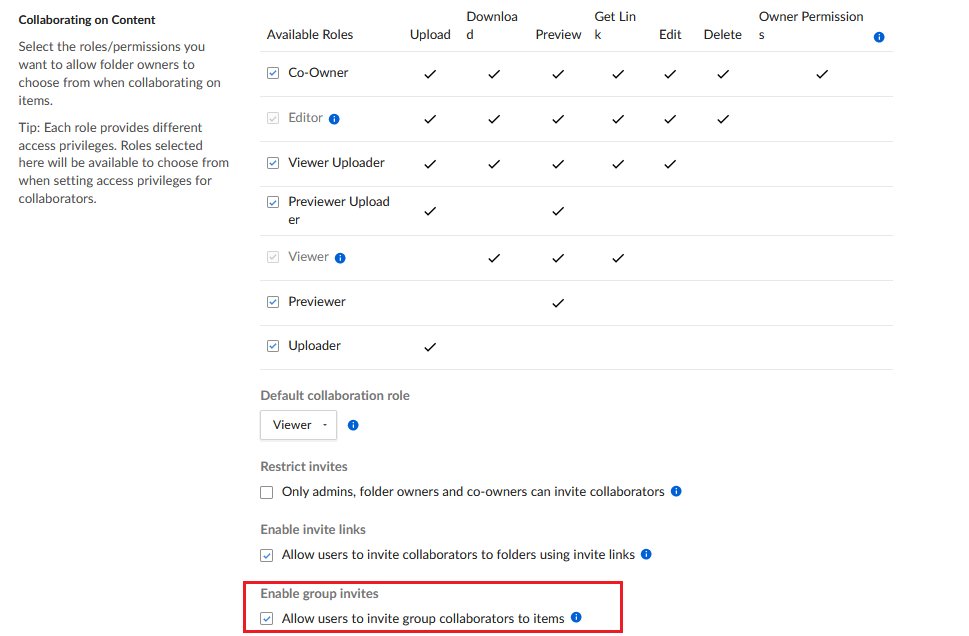
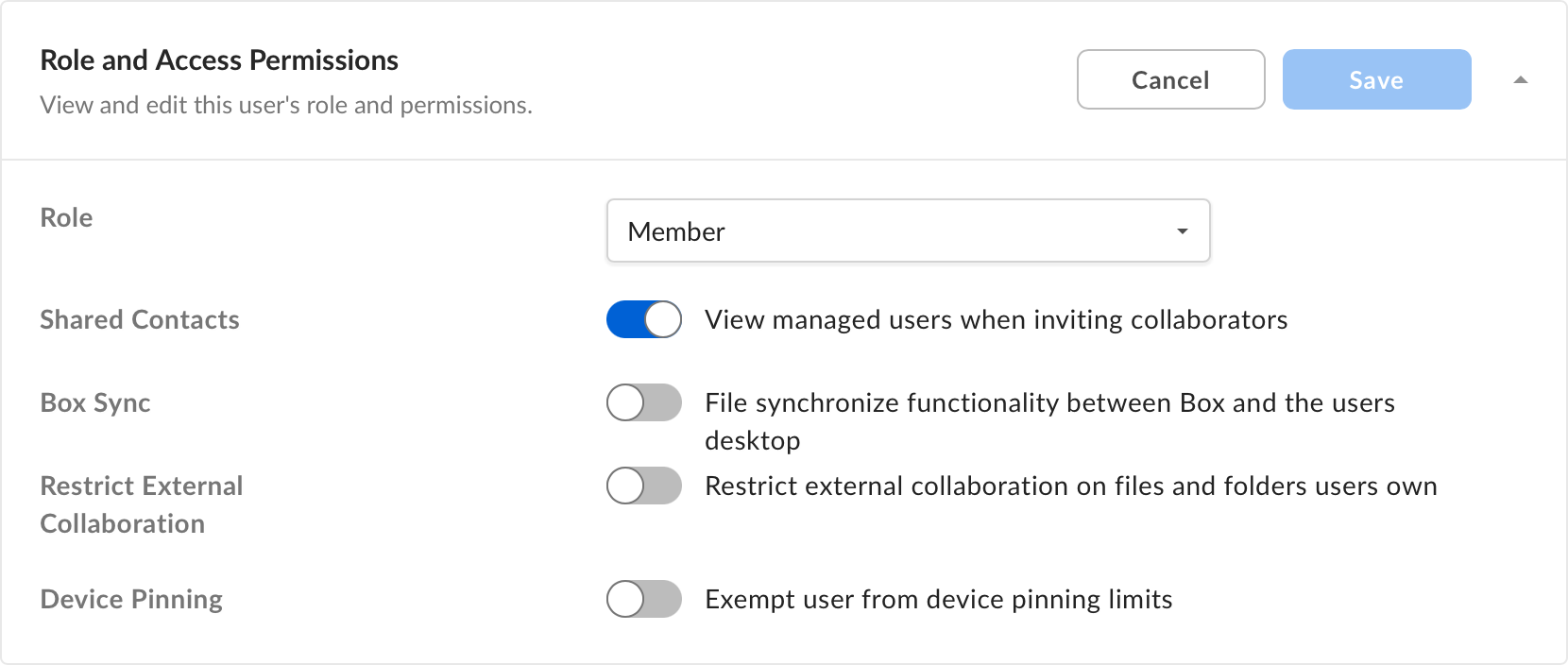
For end users to invite groups to a folder in your enterprise, your enterprise admin must check the Enable group invites check box in the Admin Console (Enterprise Settings > Content & Sharing > Collaborating on Content section) to allow end users to invite groups (from non-admin pages). This setting is enabled by default.