

The File Request dashboard does not currently show any links created with File Request (v1). Check back for when we add support for File Request (v1) links.
Viewing File Requests
To see your file request from your admin console, navigate to Content from the left-hand menu, and then select File Requests. From here, you can see:- File Requests
- Status
- Access
- Date Created
- User Information
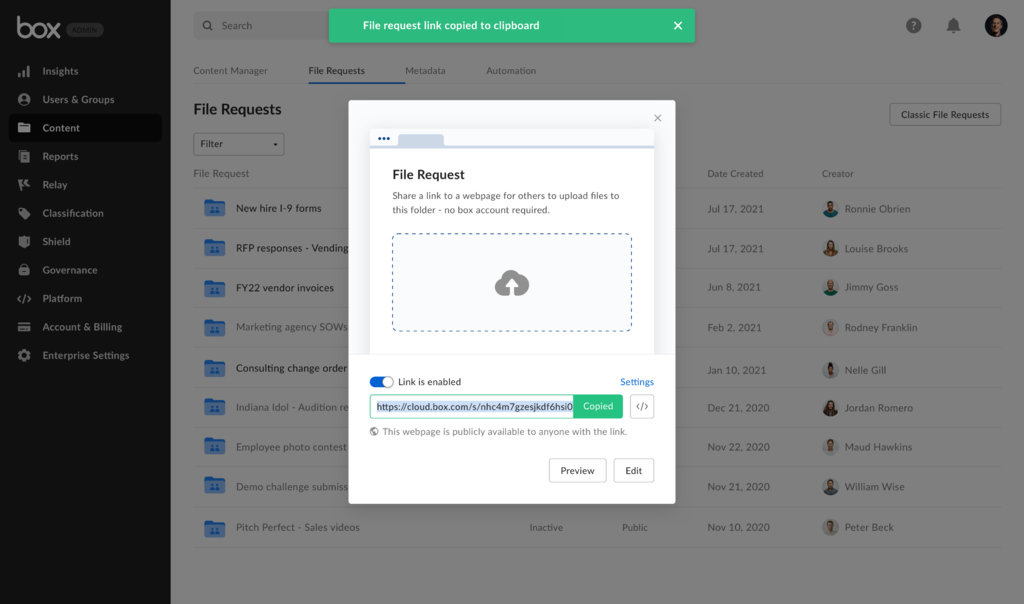
Managing File Requests
In the File Request view, hover over the three dots button on the right-hand side of a file request. Clicking the button give you two options on managing a request: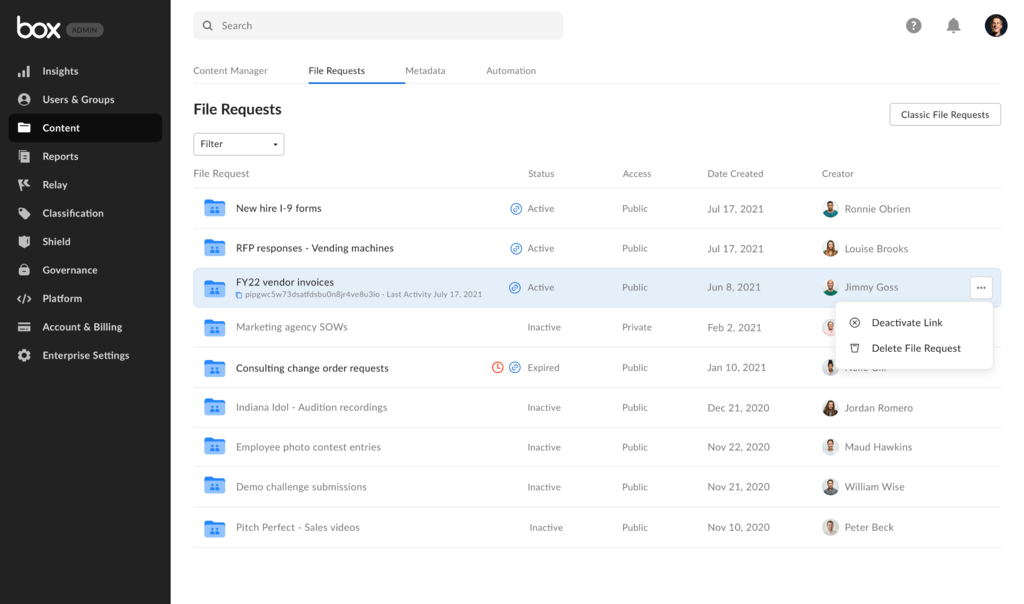
- Deactivating a file request.
- You are prompted to confirm deactivation, as this action is permanent.
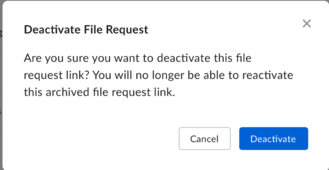
- Deleting a file request
- This option moves the selected request to the trash folder.
Filtering Requests
As an admin, you can filter file requests to view specific sets of requests. To filter file requests, click on the drop down menu under the File Requests title.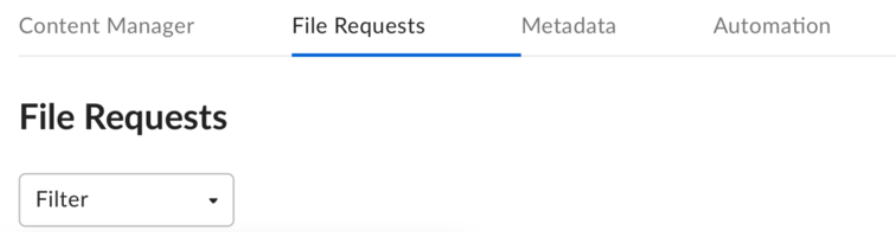
- Active
- Inactive
- Public
- Private
- Today
- Last 7 days
- Last 30 days
- Date Range
- Today
- Last 7 days
- Last 30 days
- Date Range
- Press the Shift on your keyboard and click on the requests.
-
In the right corner, click on either button below based on your intent:
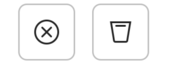
- Left button to deactivate the request.
- Right button to send request to the trash folder.